Ripple supports all issues and payment failures after go-live during the course of normal business activities. The Technical Services team at Ripple provides expert technical assistance for fast problem resolution. The Project team sets up a handover to the Technical Services team prior to commercialization, and the Technical Services team walks you through the channels available for raising support tickets.
Ripple's support model is built around two tiers of support:
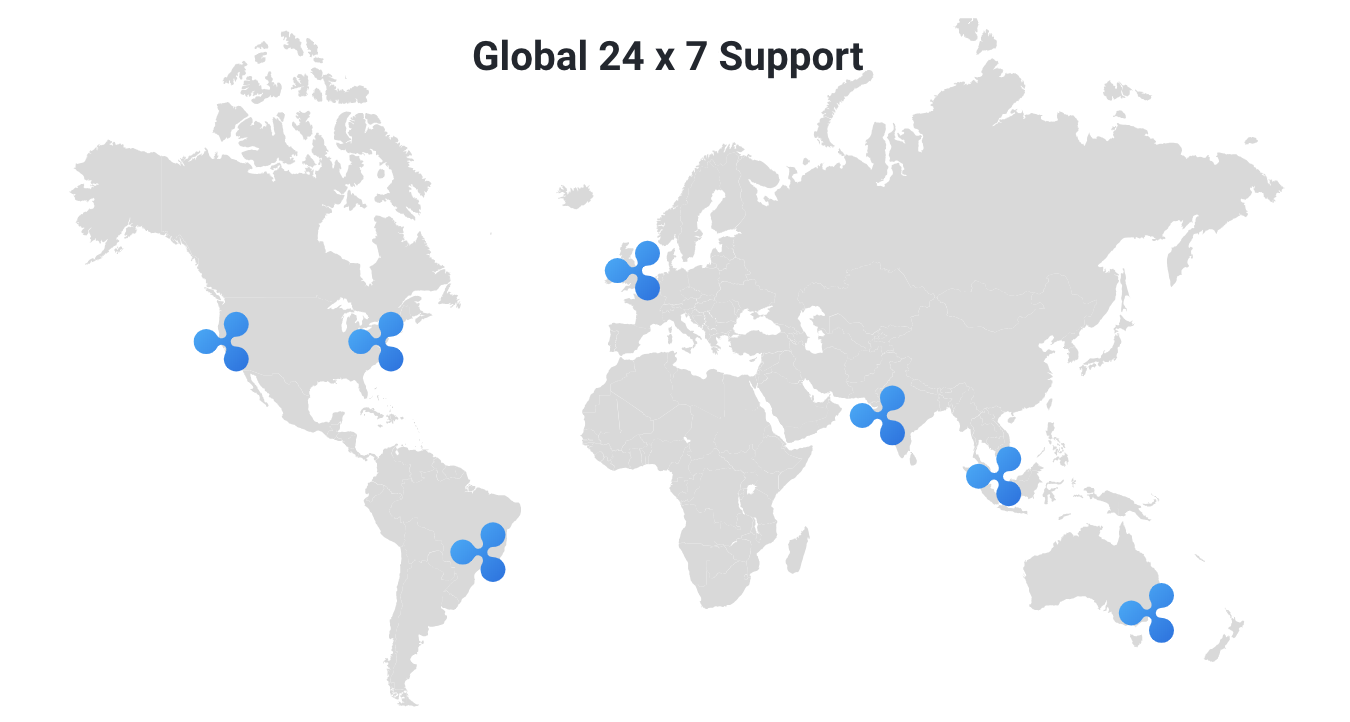
All issues submitted to Ripple Support are first routed to a Technical Services Engineer (TSE) for review. This team provides 24 x 7 x 365 support to customers based on the terms in their contract.
A TSE reviews your request to confirm that all the details required to troubleshoot the issue have been provided. They will ask for any additional details, such as logs or the payment object, that were not included. Once received, the team reviews the data to troubleshoot the issue. If the TSE suspects the problem lies with the counterparty's Ripple setup rather than yours, they request logs or additional information from the counterparty.
Once the TSE has all the requested information, they trace the payment flows between the parties to find the root cause, then communicate the root cause and the fix or workaround to you.
If the TSE suspects the issue is caused by a bug or defect in Ripple's products, they request additional assistance from Level 2 support.
Ripple Engineering and Infrastructure reviews any issue whose root cause could be a bug or defect. The first step is to recreate the issue in-house. The teams then identify the code defect causing the issue and evaluate potential solutions, which could include a code fix or a technical or business workaround for you to implement.
If a code fix is necessary, Ripple Engineering releases a patch. Patches are tested in-house to confirm the issue is resolved, and further regression testing confirms the fix has not affected other system functionality.
Depending on the severity of the issue, the fix is released either as an emergency fix for urgent issues, or as part of an upcoming release if you can resume business as usual with a workaround in the meantime.
You can report an incident and manage your support tickets through the Ripple Services Support Portal.
Access to the Support Portal uses the same account you use to sign in to the Payments Direct UI at home.ripple.com. For more information, see Sign in to your Ripple account.
The Ripple Support Portal uses Atlassian Jira to process support requests. If your company has firewall or network restrictions, ask your organization's IT team to allowlist https://ripplenet.atlassian.net. For more details, see IP addresses and domains for Atlassian cloud products.
To submit a support request:
Go to home.ripple.com and locate the Get support widget.
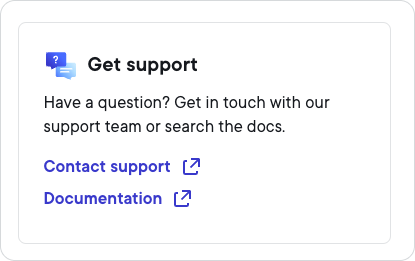
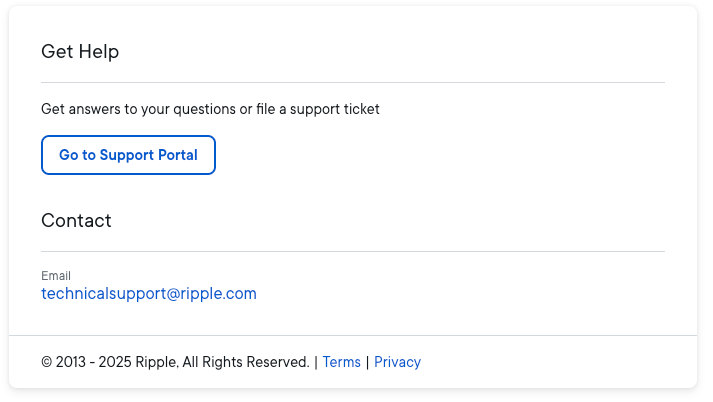
Select Contact support to display the Contact Support information.
 Note
NoteUse Go to Support Portal as your preferred way to contact Ripple support. The email address is provided mainly in case you have trouble reaching the Support Portal.
Select Go to Support Portal. This displays the Support Portal page.
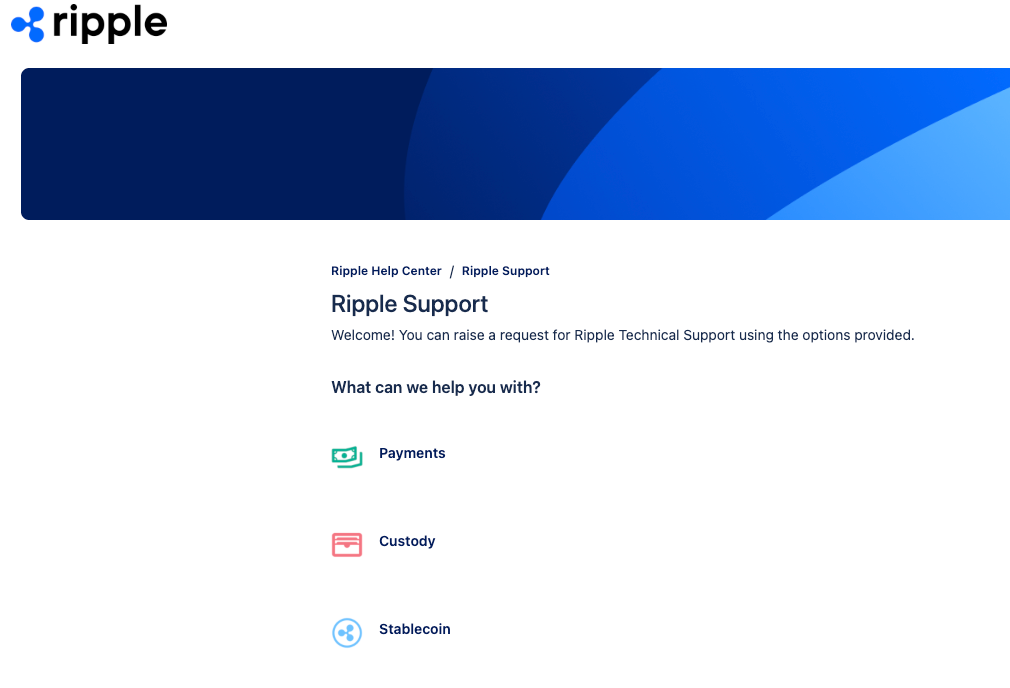
Select the Ripple product you need support for. This displays the Ripple Support form.
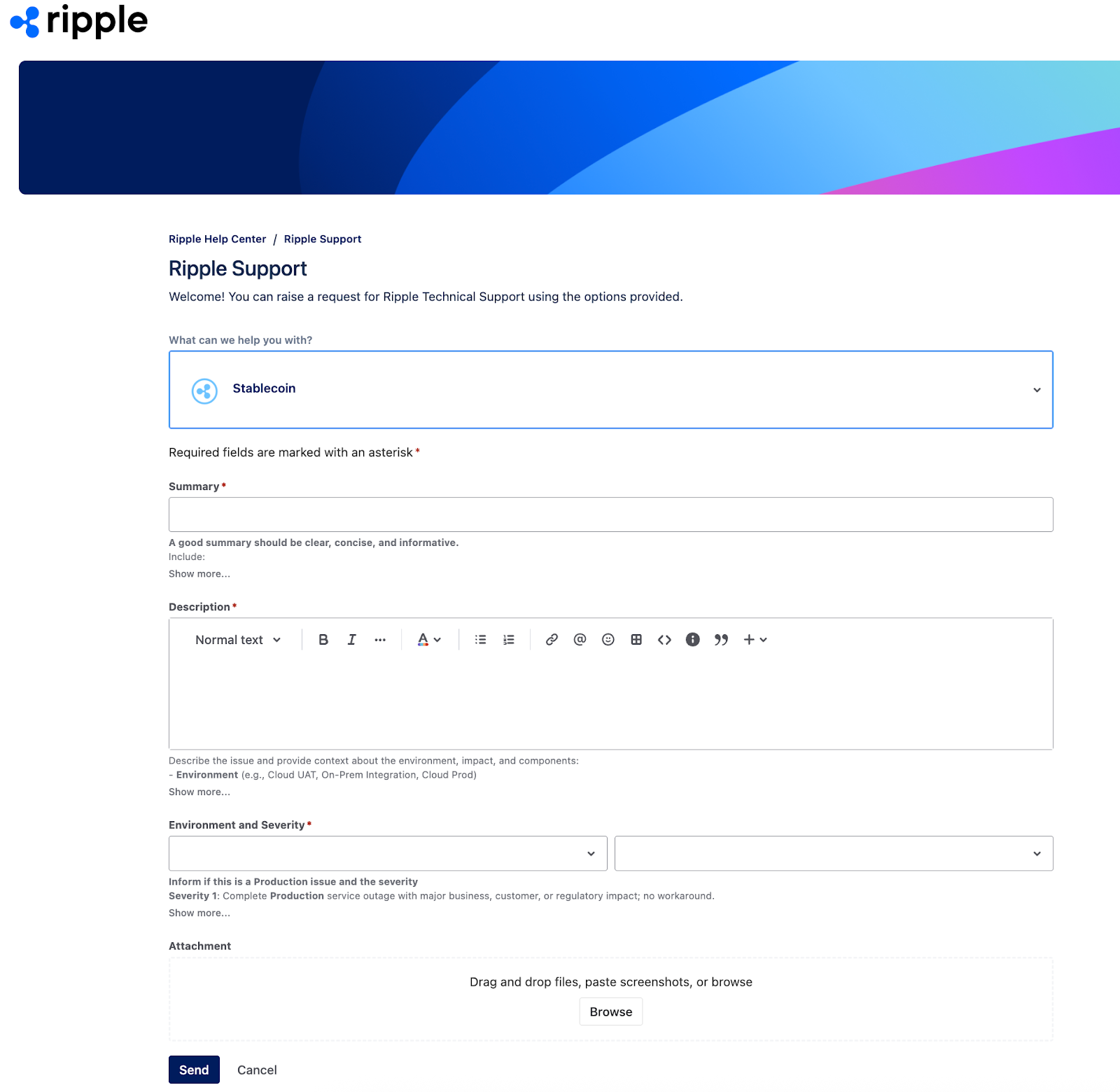
Complete the form and select Send to submit your request. This displays the new support ticket.
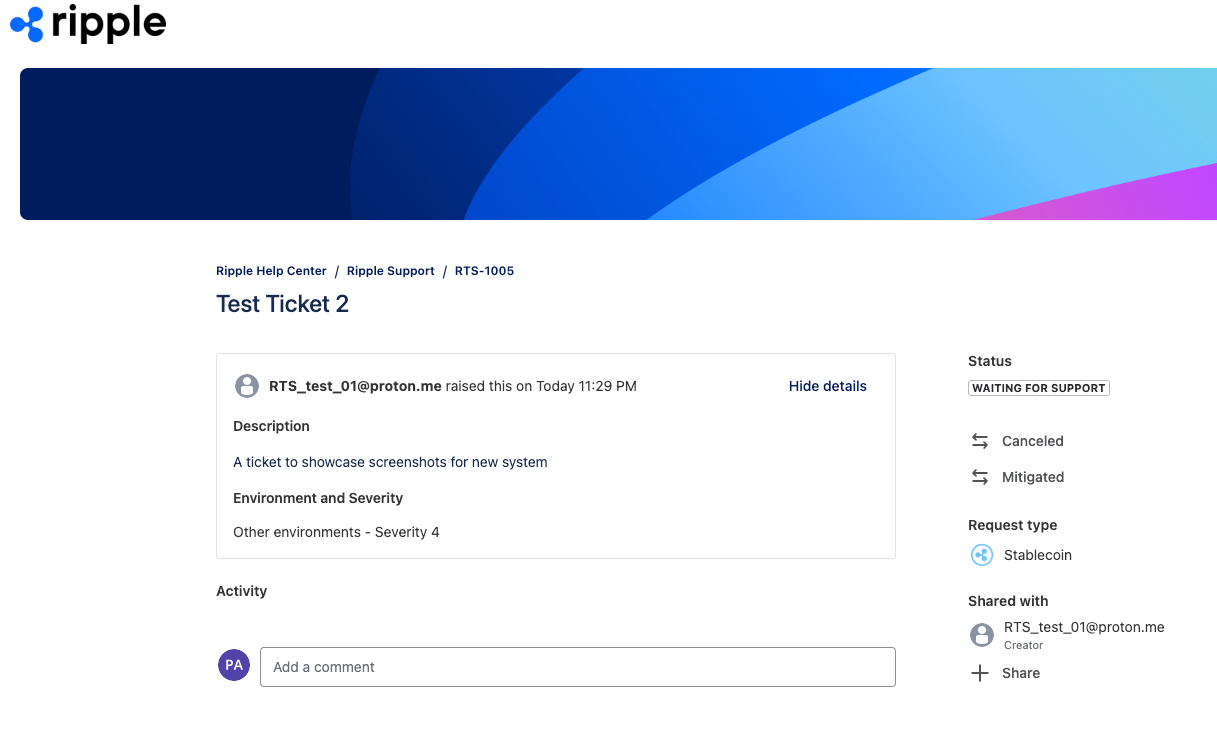
You also receive an email confirming the ticket was created, containing a View request link.
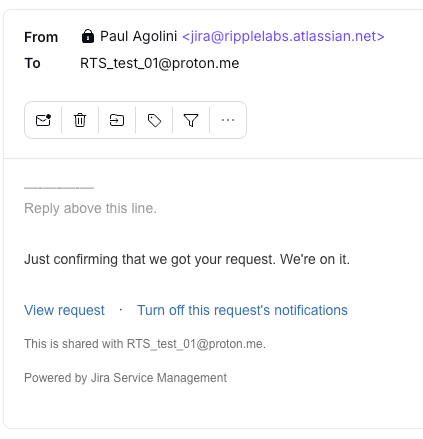
To check the progress of the ticket, use the View request link in the email to display the current status.
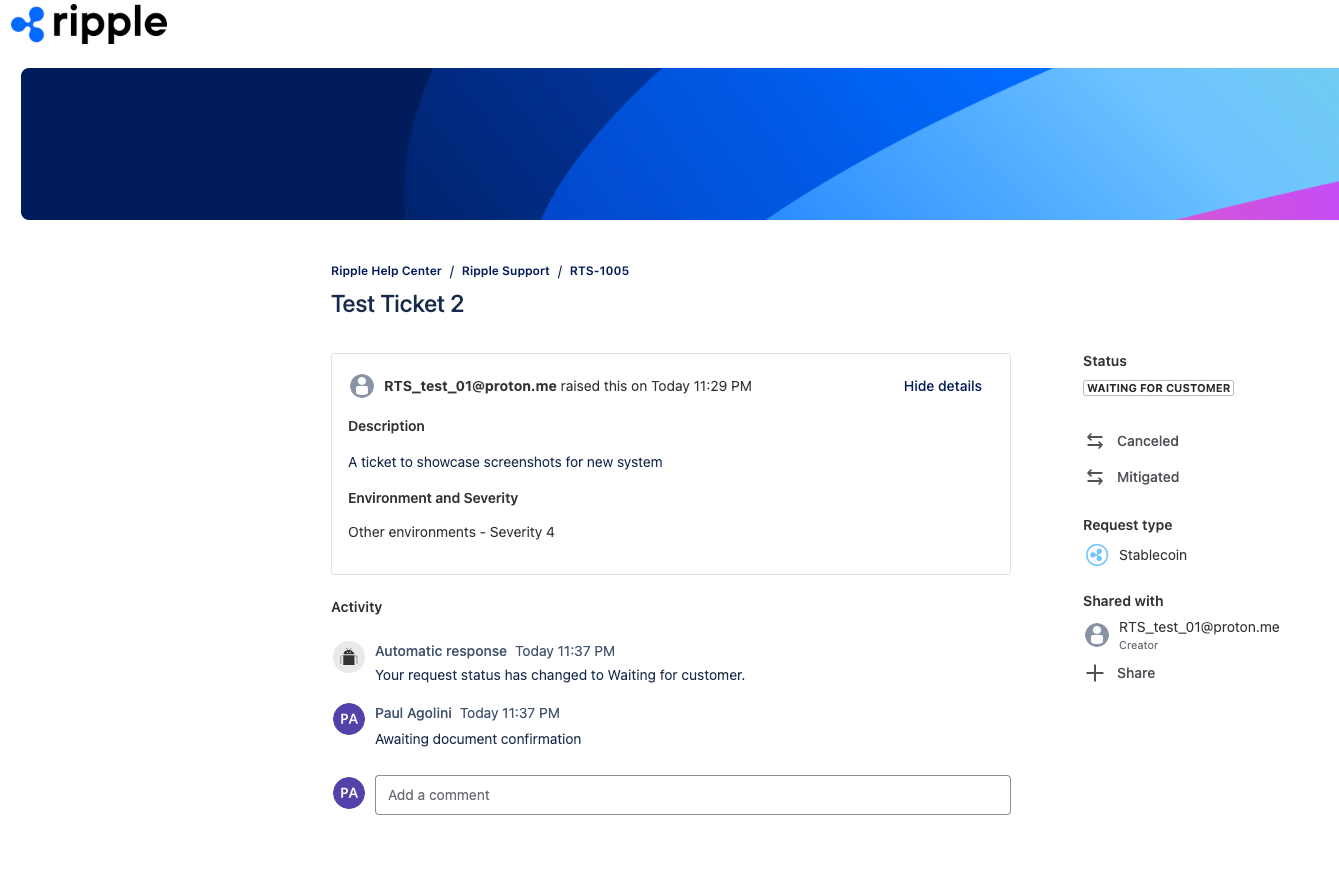
To update the ticket, either add a comment in the ticket itself or reply to the email.