This page describes how to bridge Ripple USD (RLUSD) — moving it across chains by transferring inbound RLUSD to one of your own crypto wallets on a different chain.
Bridging uses the same flexible redemption mechanism as a fiat redemption: instead of settling an inbound transfer to fiat, you direct it to a crypto wallet on another chain.
To follow this guide:
- You must have flexible redemption enabled. See Flexible redemption in the Redeem guide.
- You must have inbound RLUSD held in a Pending state, awaiting your action.
- Ensure the destination wallet has sufficient native currency to cover any network fees.
With flexible redemption enabled, inbound RLUSD is held in a Pending state for up to 3 hours, giving you time to direct each transfer. To bridge a pending transfer to a crypto wallet on another chain:
- On the Stablecoin dashboard, find the transfer under Open redemptions.
- In the Action column, use the Settle dropdown menu to select Bridge to another chain. This displays the bridge transfer options.
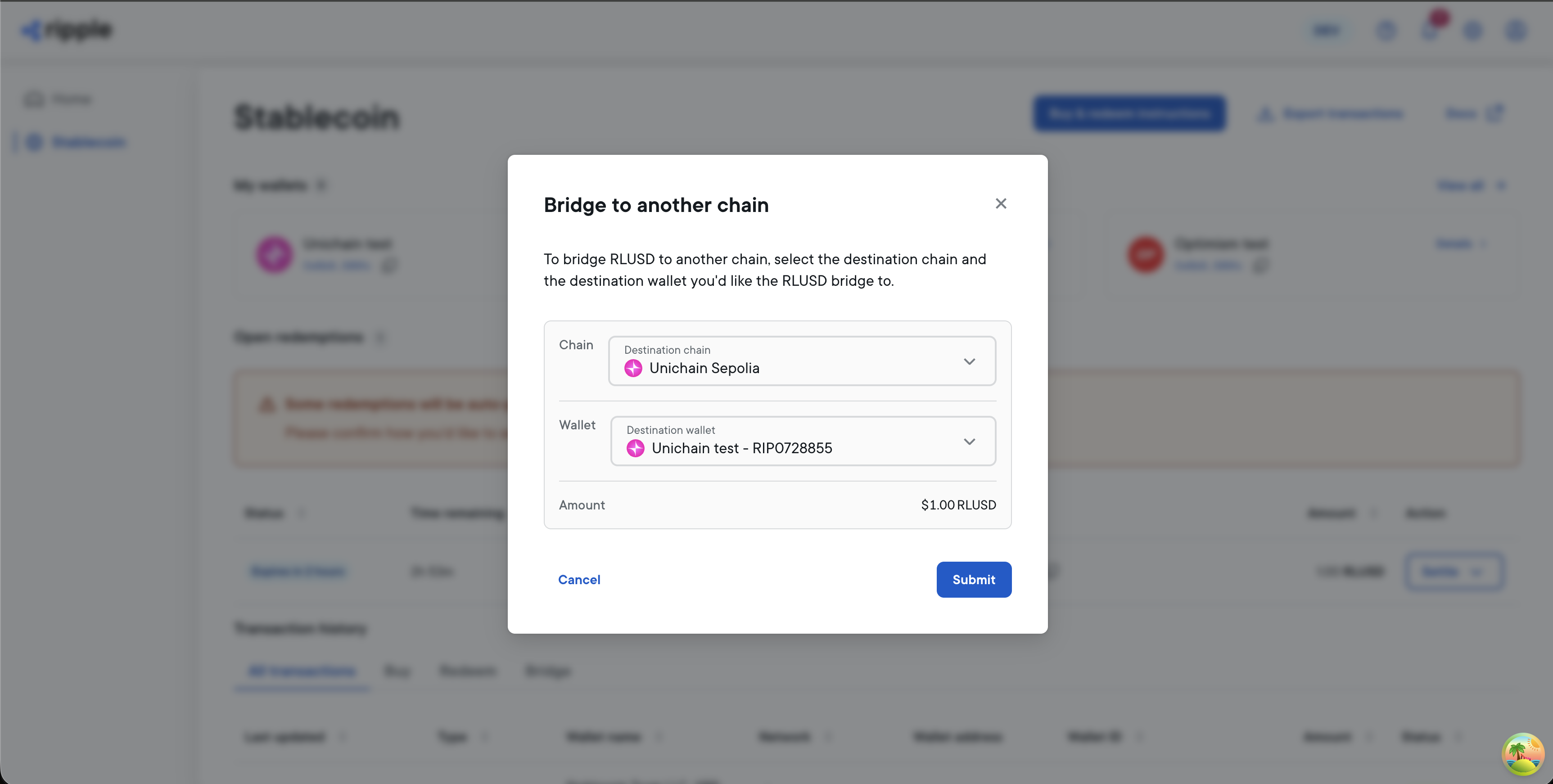
- Select the destination Chain and Wallet.
- To submit the bridge transfer, select Submit.
The transfer moves to Processing, and then to Completed once it settles on the destination chain.
You can also initiate and track bridges programmatically. To bridge with the API, approve a pending transaction with type: CRYPTO and a target walletRipId. For the full request format and how to track a bridge to completion, see Bridging in the Ripple Mint API documentation.