You can manually add tokens to Ripple Custody before receiving them, or when auto-discovery has not registered a token you need.
Add tokens manually when:
- You want to pre-approve a token before receiving it.
- A token was not auto-discovered from incoming transactions.
- You need to set up a token for outgoing transfers.
To add a token:
Go to Settings and then Assets Management.
Click Register asset.
Complete the token details:
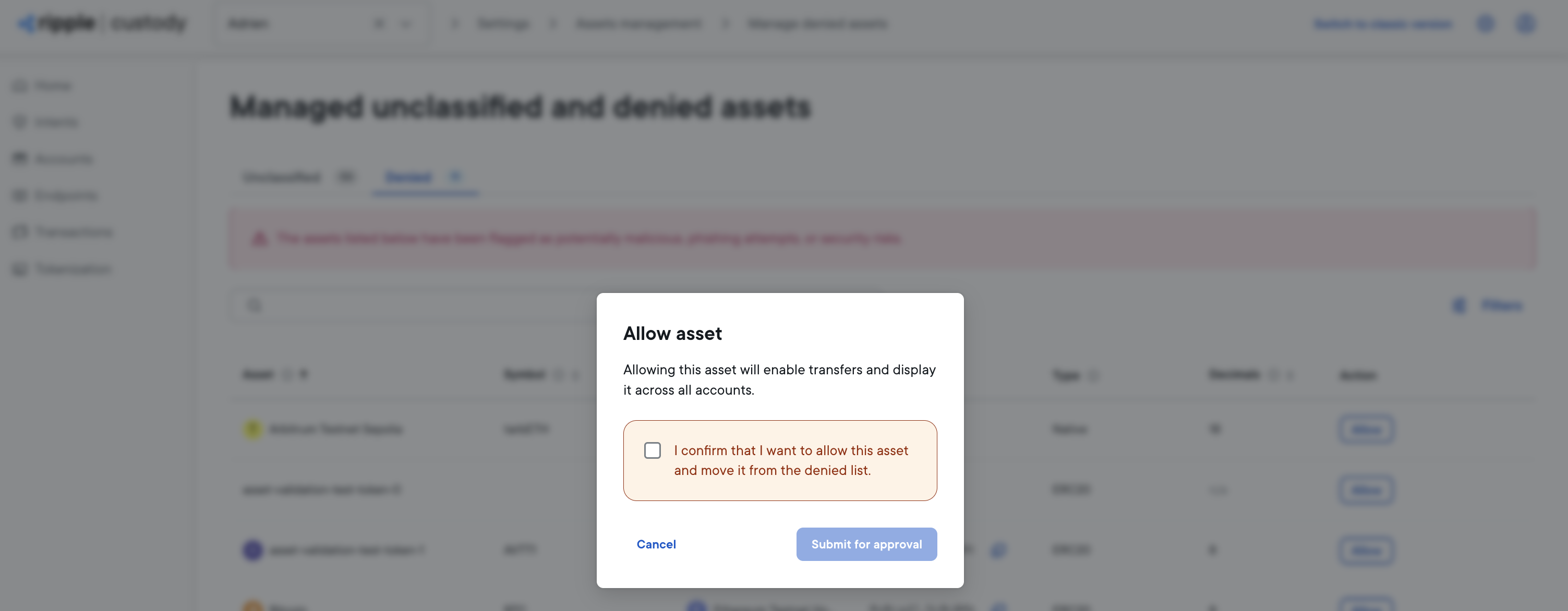
Field Description Required Ledger Select the blockchain ledger Yes Asset type The token standard (e.g., ERC-20, ERC-721, ERC-1155) Yes Asset name The token's display name Yes Symbol The token's ticker symbol No Decimals The token's decimal precision No Description A description of the token No Custom properties Additional metadata for the token No Initial lock status Choose Allow or Deny to set the initial classification Yes Click Submit for Approval and sign the operation with the app.
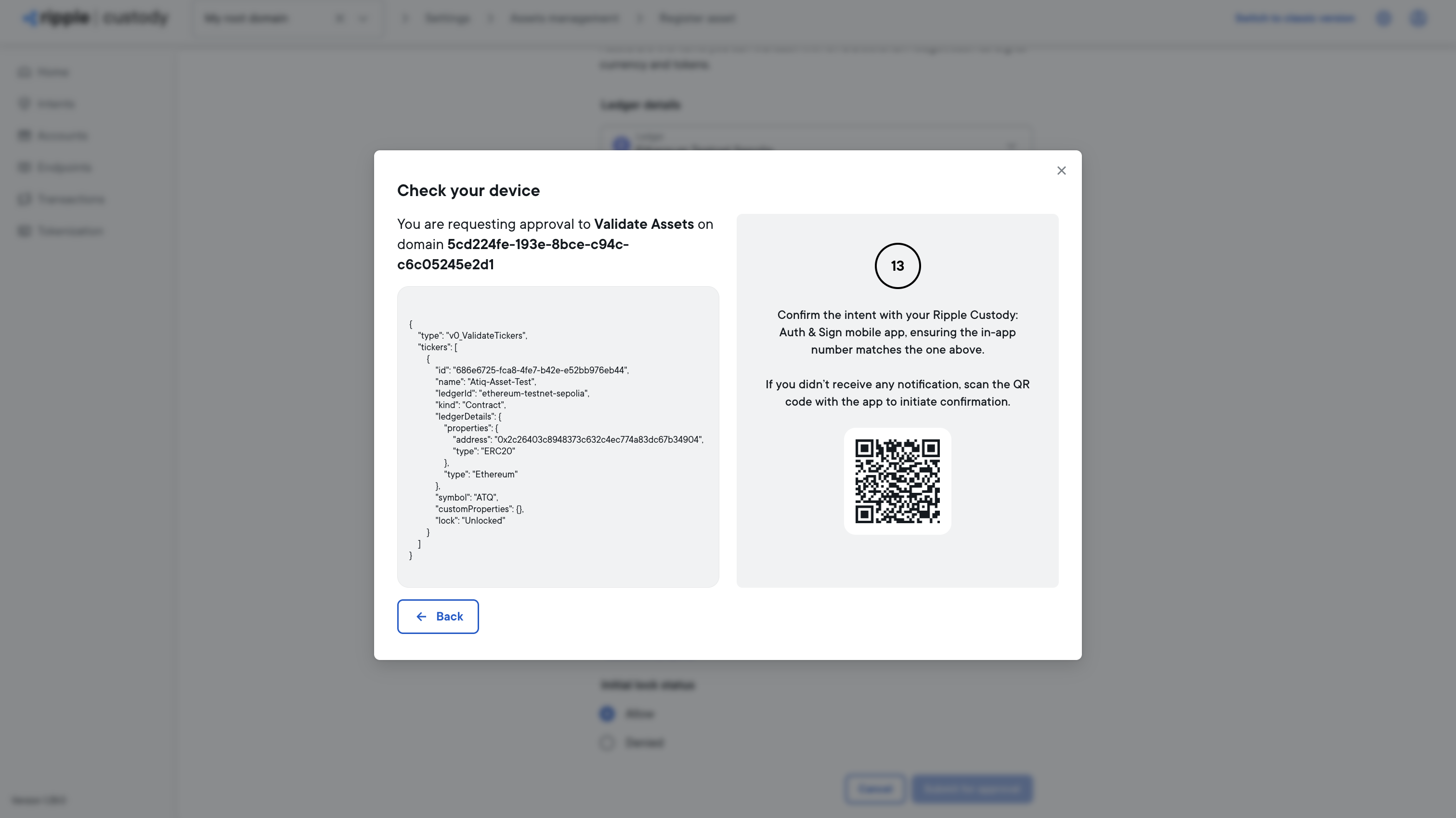
The token is added when the intent is successfully executed. The token appears in the Assets Management screen and is immediately available for use.