Ripple supports all issues and payment failures after go-live during the course of normal business activities. The Technical Services team at Ripple is set up to provide best-in-class support and expert technical assistance for fast problem resolution. The Project team sets up a handover to the Technical Services team prior to commercialization. The Technical Services team conducts an "Introducing the Customer to Ripple's Support Model" session and walks the customer through the channels available to raise support tickets for technical assistance.
Ripple’s support model is built around two tiers of support:
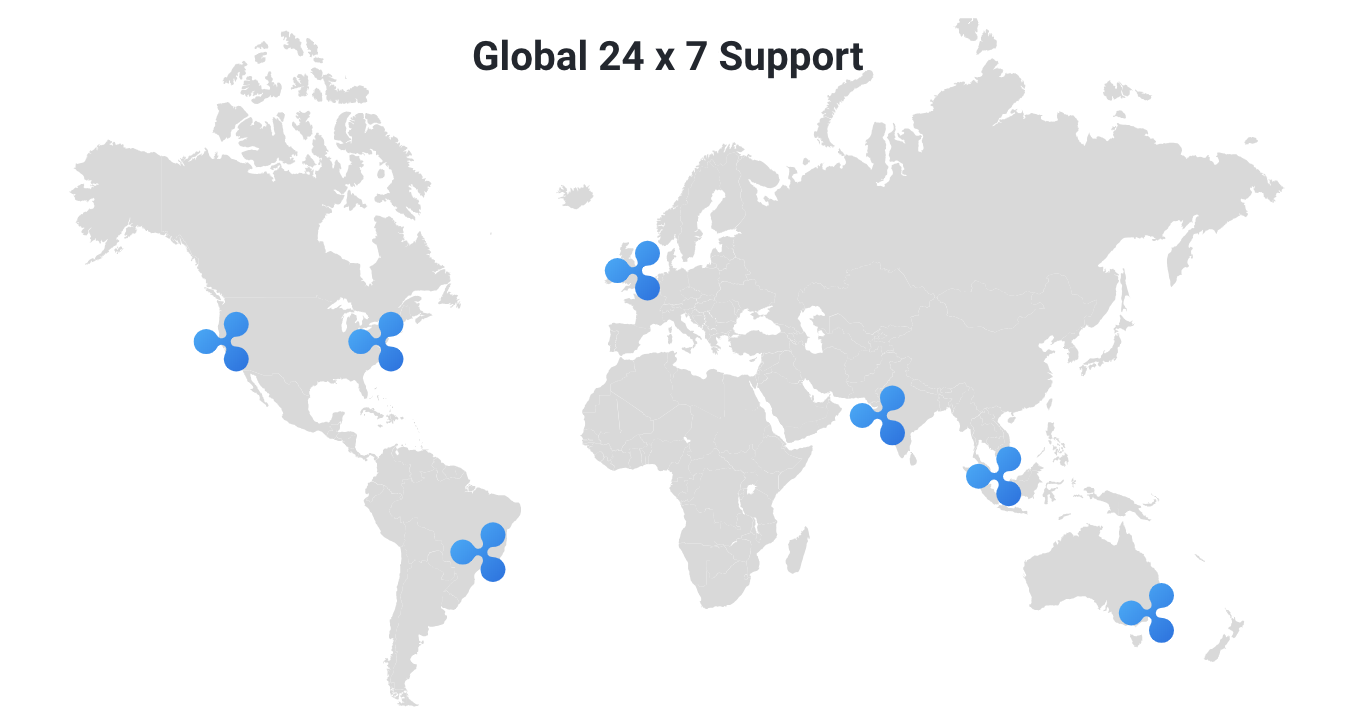
All issues submitted to Ripple Support are first routed to a Technical Services Engineer (TSE) for review. This team is set up to provide 24 x 7 x 365 support to customers based on the terms in their contract. A member of the team reviews the customer request to confirm that all the details required to troubleshoot the issue have been provided by the customer. They will ask for any additional details, for example logs, payment object, and so on, that might not be provided by the customer. Once received, the team reviews all the data provided to troubleshoot the issue. If the TSE suspects that there is no problem with the customer’s Ripple setup and the issue could be with the counterparty’s Ripple setup, they will request logs or additional information or both from the counterparty.
Once the TSE has all the requested information, they track payment flows between the parties to trace the payment and find out the root cause of the issue. Once located, the TSE then communicates the root cause and fix or workaround to the customer.
If the TSE suspects the issue could be due to a bug or defect in Ripple’s products, the TSE requests additional assistance from Level 2 support.
Ripple Engineering and Infrastructure reviews any issues whose root cause could be a bug or defect. The first step is to recreate the issue in-house. After the issue is recreated, the teams try to identify the code defect causing the issue. They look at potential solutions for the code defect. Solutions could include a code fix or a technical/business workaround that the customer needs to implement.
If a code fix is necessary, Ripple Engineering releases a patch to address the issue. Patches are tested in-house to confirm that the issue has been resolved. Further regression testing is performed to ensure that the code fix has not impacted any other system functionality.
Depending on the severity and criticality of the issue, the fix could be released to the customer as either an emergency (critical) fix for urgent issues, or as part of an upcoming release if the customer can resume business as usual with a workaround while they await the new product release.
You can report an incident and manage your support tickets through the Ripple Services Support Portal.
Access to the Support Portal is via the same account as you use for logging in to the Ripple Onboarding portal (home.ripple.com). For more information about logging in, see Log in.
The Ripple Support Portal uses Atlassian Jira to process support requests. If your company has firewall or network restrictions, please contact your organization’s IT team to allowlist https://ripplenet.atlassian.net. For more details on allowlisting, refer to IP addresses and domains for Atlassian cloud products.
To submit a support request:
Go to Ripple Onboarding portal (the home.ripple.com, and look for the Get support widget.
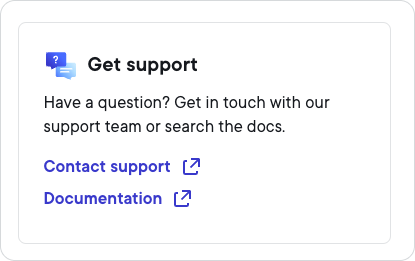
Select Contact support to display the Contact Support information.
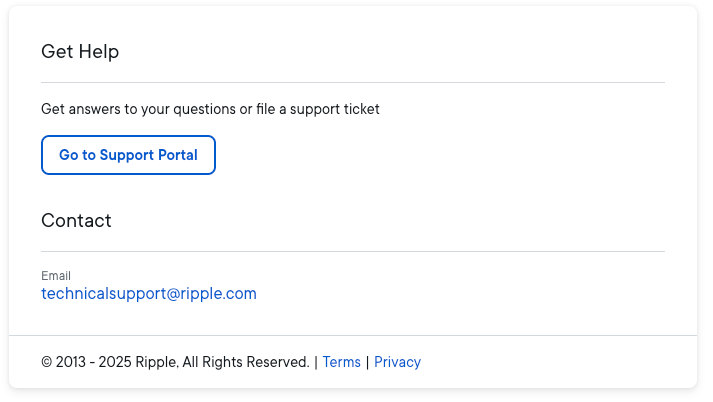 Note
NoteThe Go to Support Portal link is highly recommended as the preferred way to contact Ripple support. The alternative email address is provided primarily in case you have problems reaching support via the Support Portal.
Select Go to Support Portal. This displays the Support Portal page.
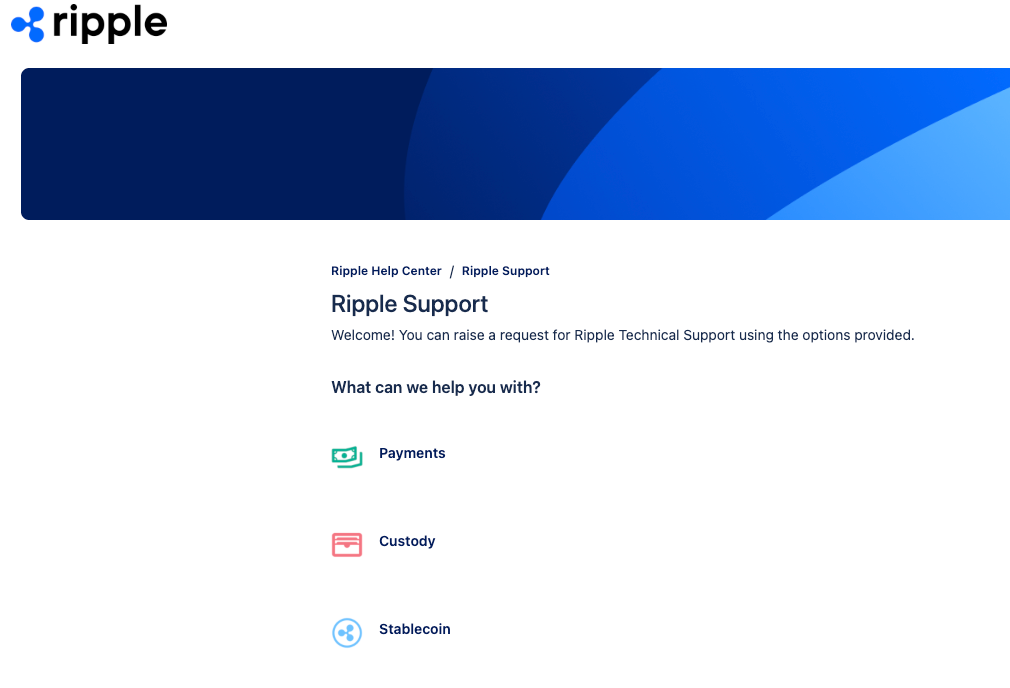
Select the Ripple product for which you need support. This displays the Ripple Support form for submitting a support request.
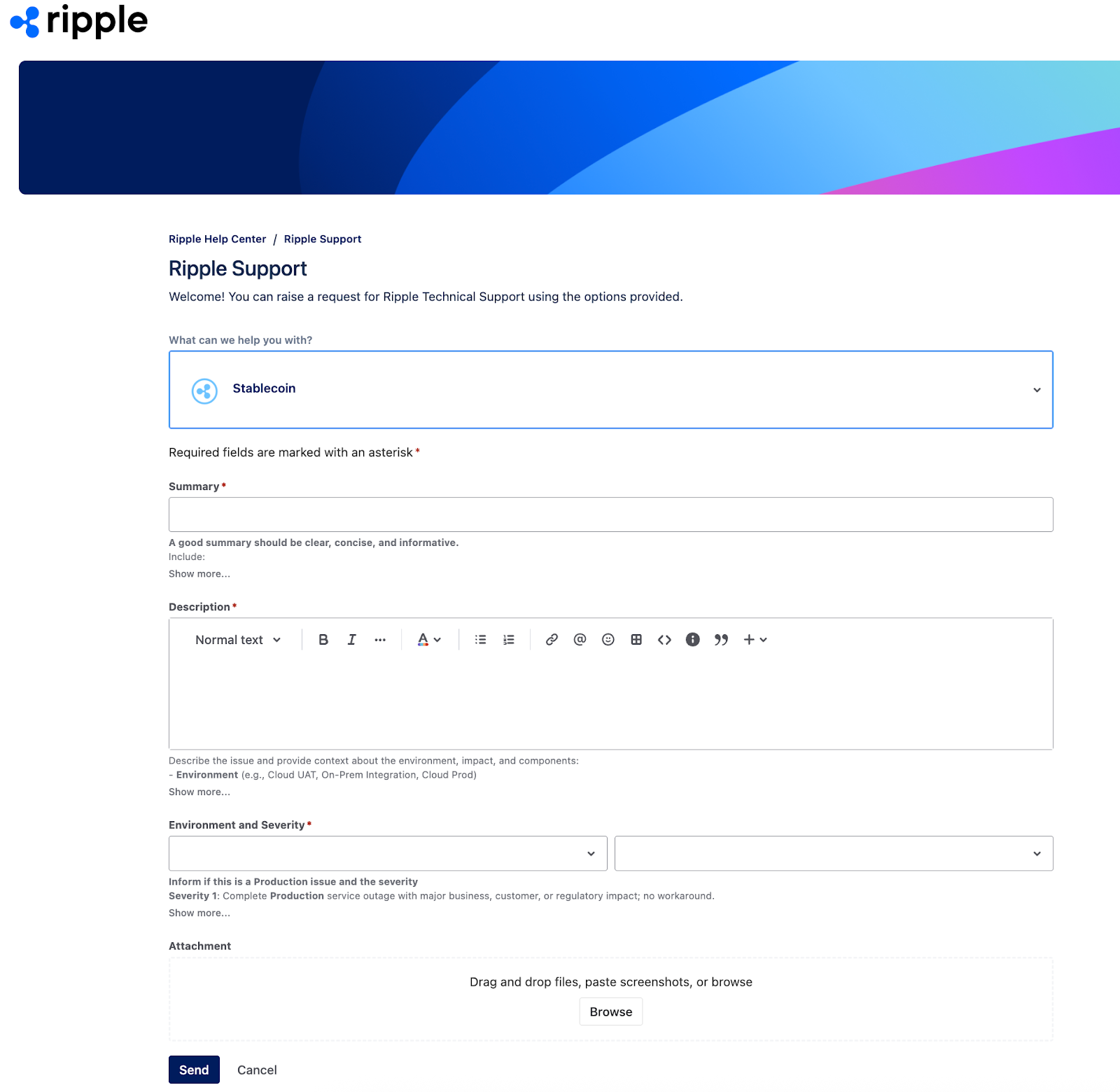
Complete the form and select Send to submit your support request. This displays the new support ticket.
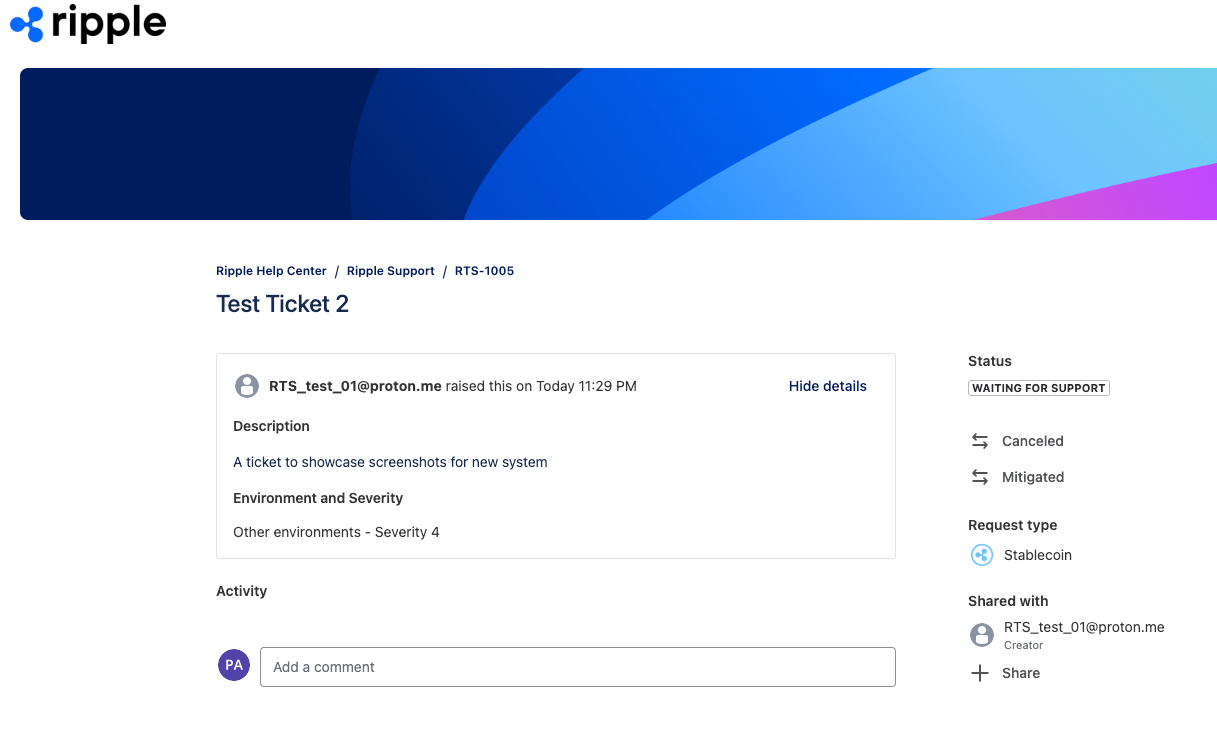
You will also receive an email confirming the creation of the support ticket, and containing a link to View request.
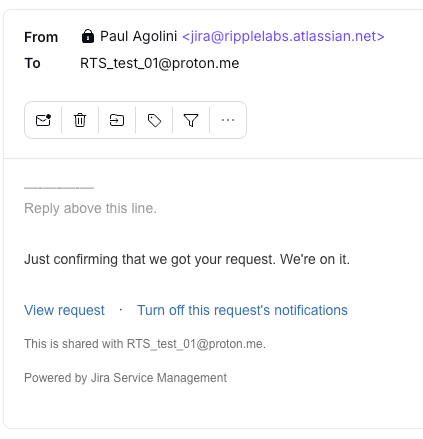
To check the progress of the support ticket, visit the View request link contained in the email to display the current status.
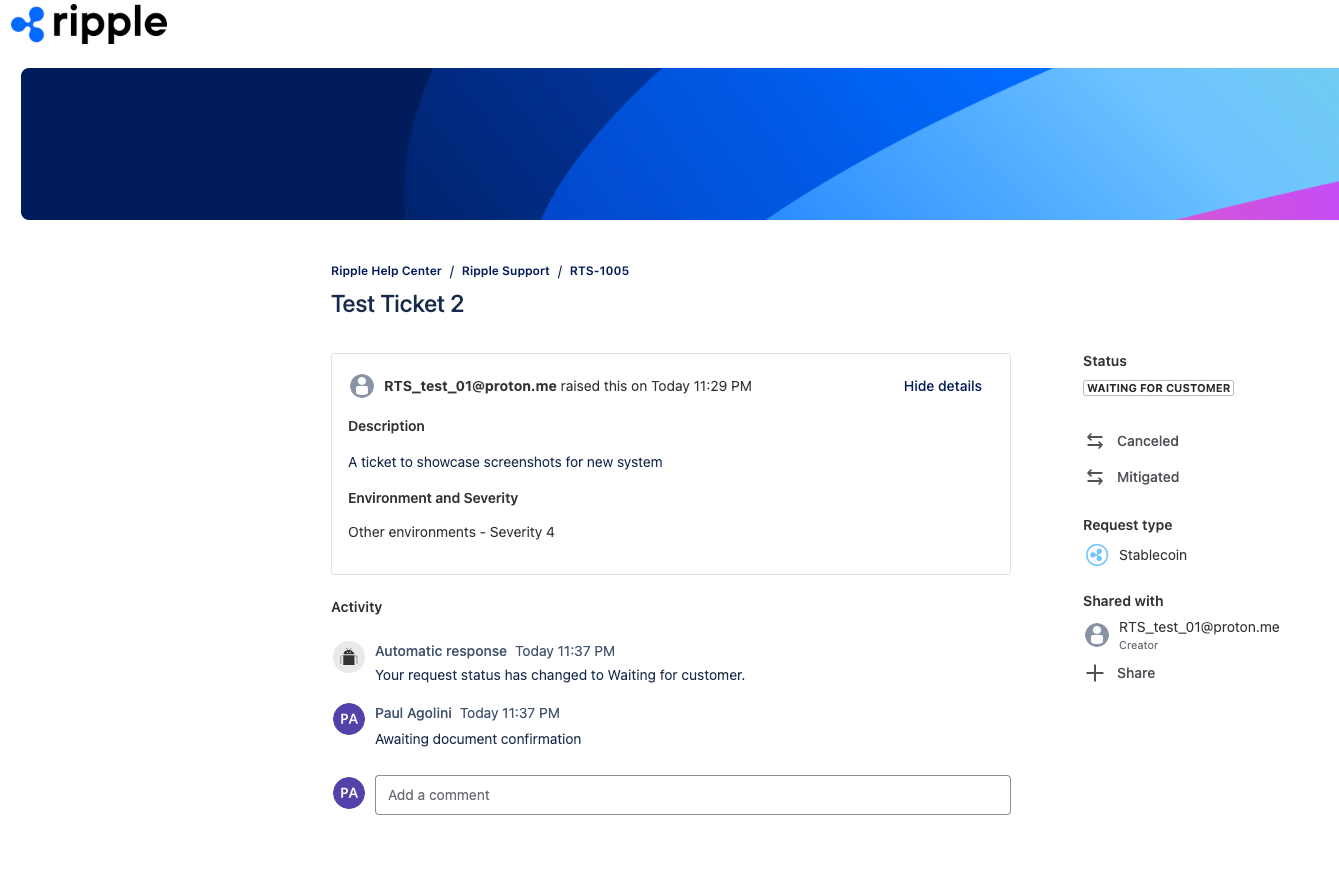
To update the ticket, either add a new comment in the support ticket itself, or reply to the email.