This feature is in BETA. Please reach out if you would like to use it.
Ripple Custody (Wallet) now supports Single Sign-On (SSO) using a third party login.
If you are using third party platforms such as Okta, JumpCloud, etc., then using Ripple Custody (Wallet) SSO support, you can continue to use your login with Ripple Custody (Wallet).
When to use SSO with Ripple Custody (Wallet):
- You are confident in your security posture and SSO configuration
- You want to keep sign-in controls consistent with your organization
When NOT to use SSO with Ripple Custody (Wallet):
- You want to segregate both authentication and authorization from your organization's single sign-on
- You are not confident your organization's SSO controls are strong enough to also protect your access to Ripple Custody (Wallet)
Note that once you switch to using SSO with Ripple Custody (Wallet), it is your responsibility to secure not only your SSO access but also ensure you have adequate governance controls in place that prevent unauthorized access to Ripple Custody (Wallet).
You must have Administrator access (or equivalent) on your authentication platform that you want to configure as SSO, and Administrator role on Ripple Custody (Wallet) in order to carry out the following steps.
Login to your organization on Ripple Custody (Wallet) as administrator:
- Go to Settings > Security
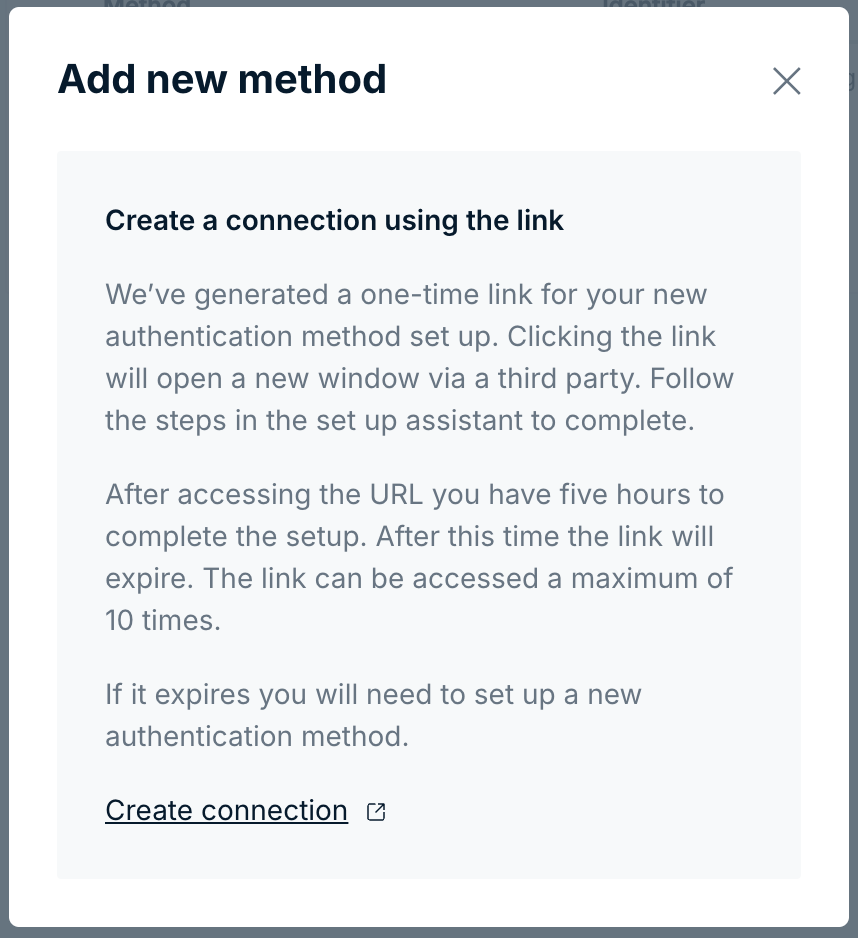
- Create a new authentication method
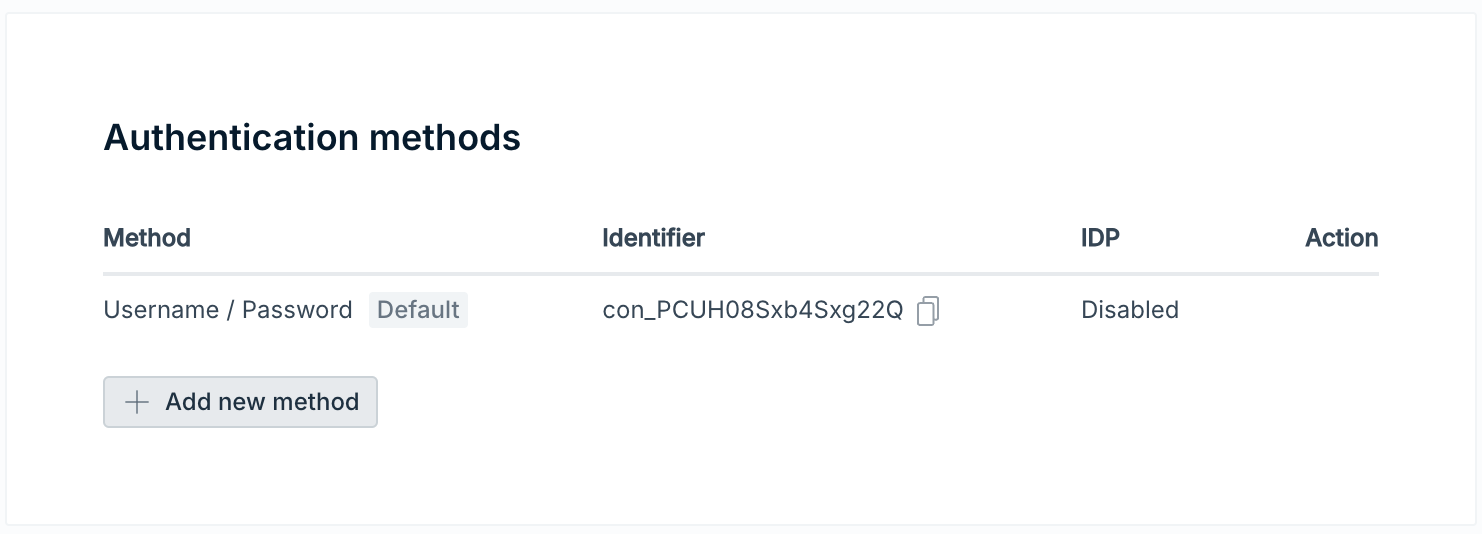
- Follow the wizard to configure with JumpCloud or whatever SSO you are using.
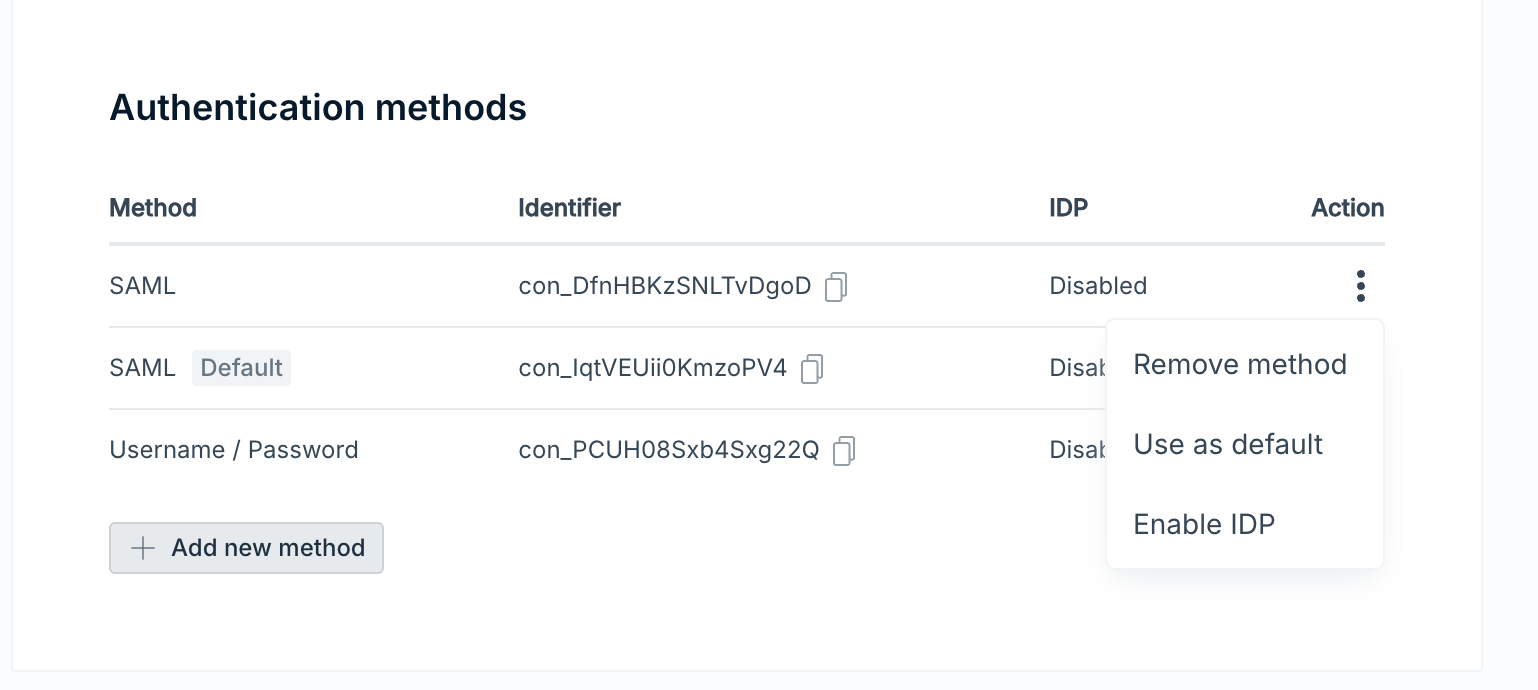
- Set the auth method to be default (this is very important, as once a user has been invited it's not possible to change the auth method).
- You can invite users as normal using their SSO email addresses.
- User accepts invite as normal.
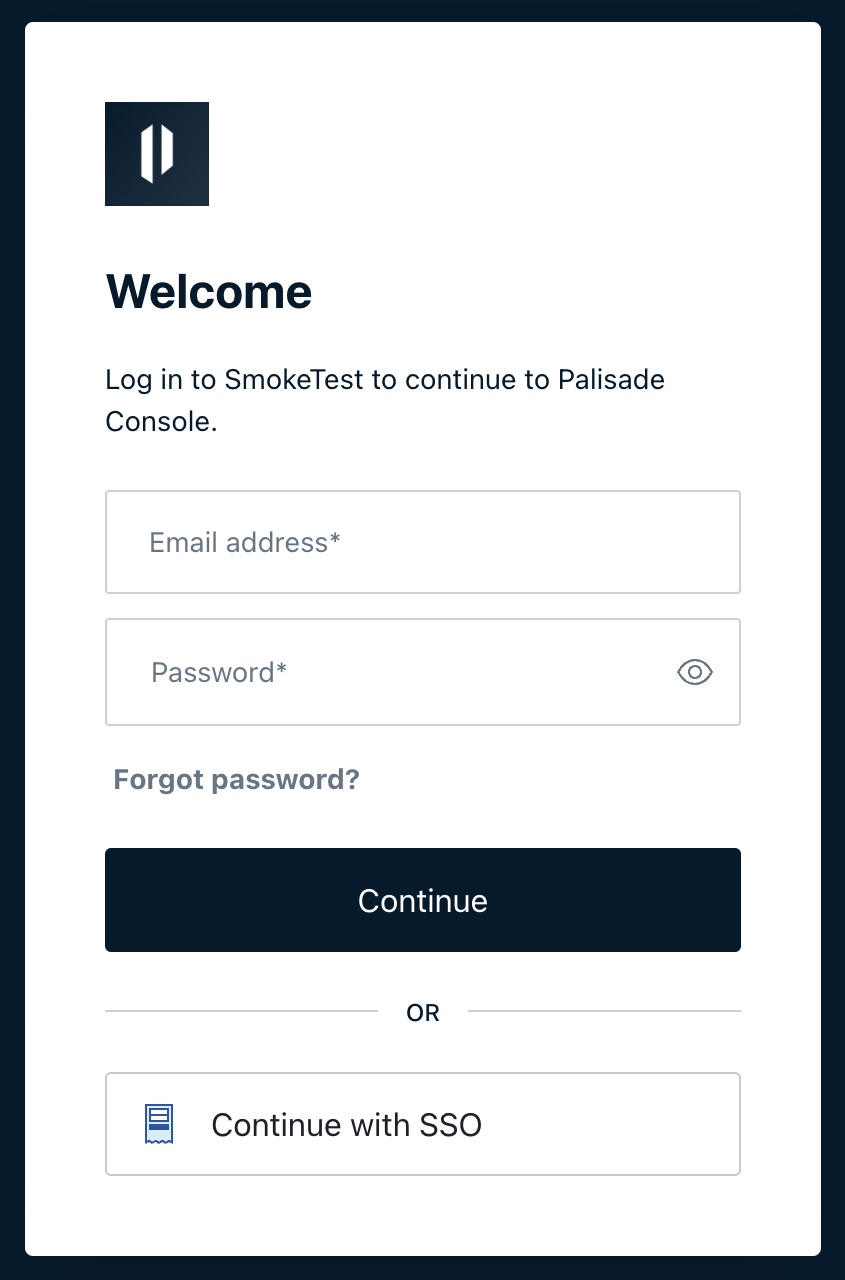
- User can then use "Continue with SSO" to log in via SSO.
For current setup steps, see Single sign-on.